
What is my IP address?
Use our free What is my IP address tool to find your public IP address (IPv4 - IPv6) online and the geolocation details such as your IP location and Internet service provider.
Your IP address is the unique identifier assigned to your device by your internet service provider (ISP). It allows websites and services to send data back to your device.
There are two types: your public IP (visible to the internet) and your private/local IP (used within your home network). Knowing the difference is helpful for troubleshooting and configuration.
Common problems
Running into issues? Here are the most common problems and their solutions.
⚠Login credentials are not accepted
The default credentials may have been changed by you or your ISP. Check the sticker on the back of the router for the current password. If it was changed and you cannot remember it, a factory reset will restore the defaults.
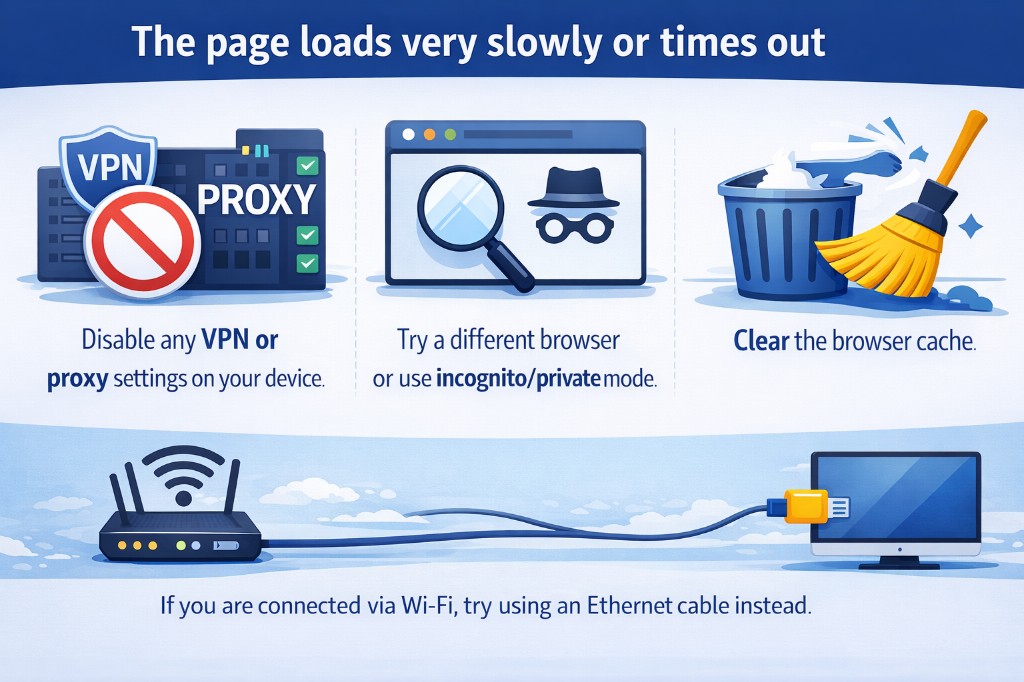
⚠The page loads very slowly or times out
Disable any VPN or proxy settings on your device. Try a different browser or use incognito/private mode. Clear the browser cache. If you are connected via Wi-Fi, try using an Ethernet cable instead.
⚠How to reset the router to factory settings
Locate the small reset button on the back of the router (you may need a paperclip). Press and hold it for at least 10 seconds until the LEDs start blinking. The router will restart with the factory defaults, including the original login credentials.