
Default Router IP Addresses
Router IP address allows network admin to login the router management page to configure settings such as change WiFi passwords and SSID, create guest users and so on.
Most routers use a small set of default IP addresses for their admin panel. Knowing the most common addresses helps you quickly access your router's settings page.
Below is an overview of the most frequently used default router IP addresses, organized by brand.
Common problems
Running into issues? Here are the most common problems and their solutions.
⚠Login credentials are not accepted
The default credentials may have been changed by you or your ISP. Check the sticker on the back of the router for the current password. If it was changed and you cannot remember it, a factory reset will restore the defaults.
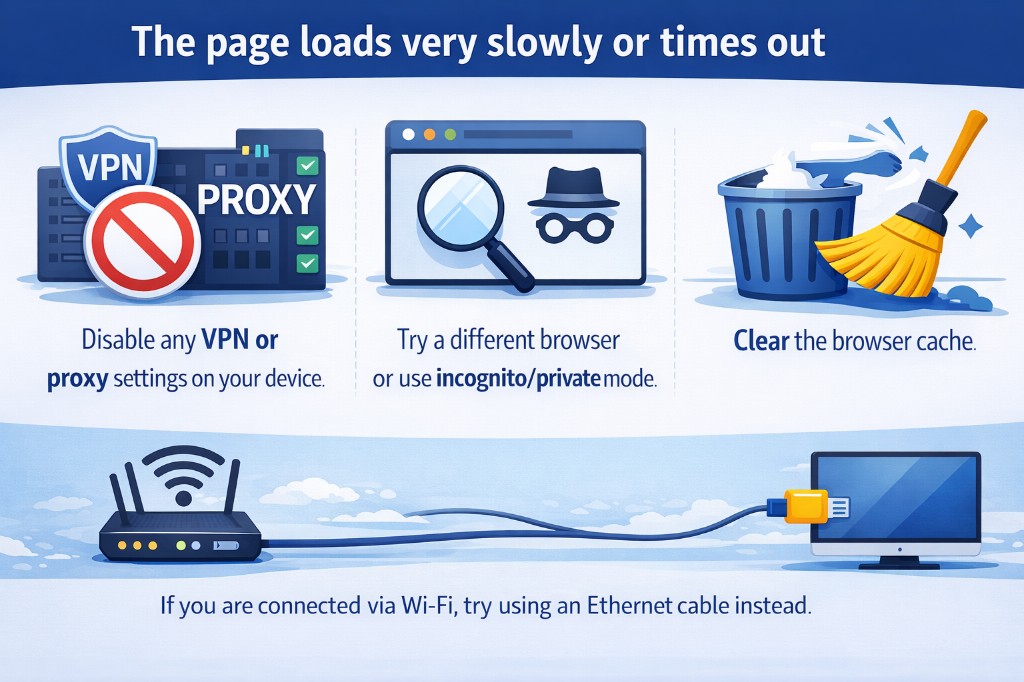
⚠The page loads very slowly or times out
Disable any VPN or proxy settings on your device. Try a different browser or use incognito/private mode. Clear the browser cache. If you are connected via Wi-Fi, try using an Ethernet cable instead.
⚠How to reset the router to factory settings
Locate the small reset button on the back of the router (you may need a paperclip). Press and hold it for at least 10 seconds until the LEDs start blinking. The router will restart with the factory defaults, including the original login credentials.